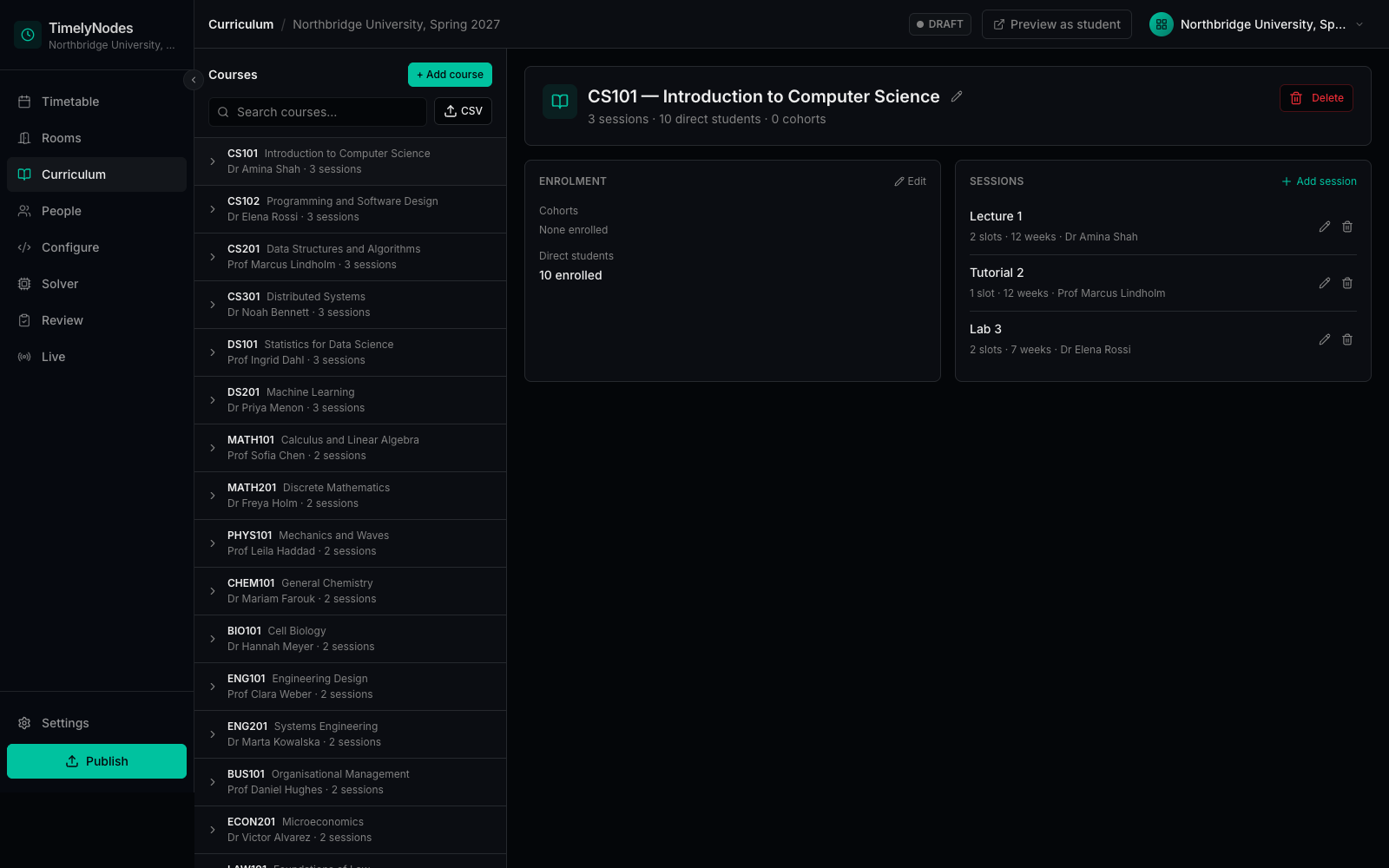
The real operator portal, on a sample university.
No sign-up and nothing to install. It opens in your browser with Northbridge University already loaded.
A five-minute walk through.
Five screens, in the order a timetabling office works through them.
- Curriculum
See what was imported
Courses, their sessions and week patterns, straight from two CSV files.
- People
Block out a lecturer
Three lecturers already have unavailable times. Add one of your own.
- Configure
Read the domain as text
The whole university as a readable file you could keep in version control.
- Solver
Check, then solve
The pre-solve summary, then a solve replayed from a real engine run.
- Timetable
Look at the result
By week, room, lecturer or course. Then open one student's own week.
What the demo is, exactly.
The interface is the product, unchanged. The data is fictional. The timetable was produced by the real engine and is replayed in your browser, so no data leaves your machine. Creating a new semester or compiling your own rules needs a sandbox, which we set up after a call.